
“Best all-in-one PC with touch screen” is one of the most common searches around business PCs. The trouble is that most “best of” lists are written for home users. They focus on speakers and gaming, not on what matters when you’re buying 5, 50 or 500 machines for a business.
Here’s our practical checklist, based on two decades of supplying business hardware from Leicester.
1. Is touch actually needed on every desk?
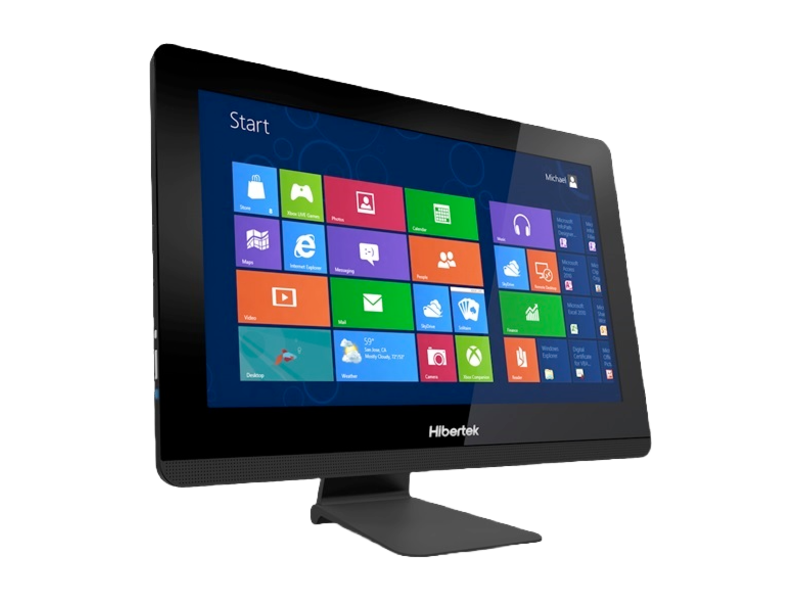
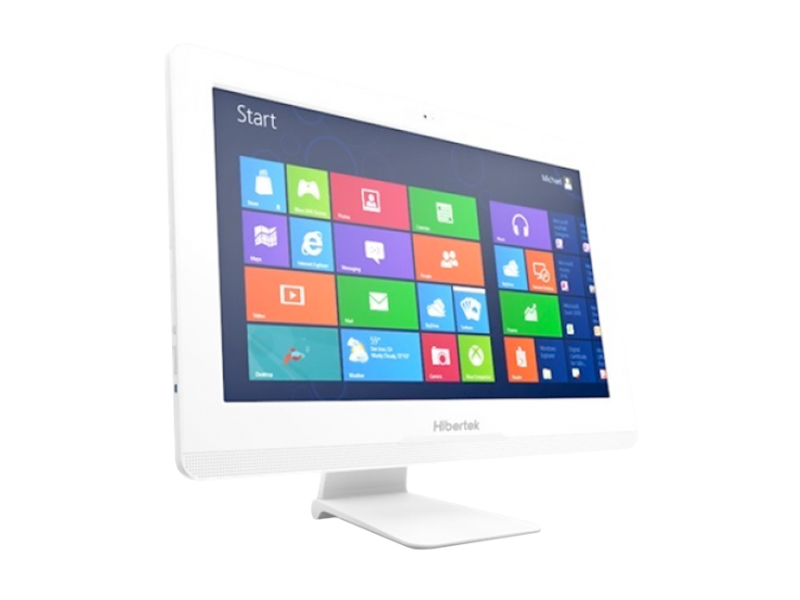
Touch is brilliant for receptions, classrooms, kiosks and booking points. On a standard office desk, it’s often unused. Ranges like the Hibertek all-in-ones offer touch and non-touch versions of the same model, so you can put touch where it’s needed and save elsewhere, all with one standard image.
2. What kind of touch?
Look for projected capacitive (PCAP) touch, ideally with 10 touch points. It’s the same technology as your phone: smooth, accurate and good for pinch and zoom. Older resistive screens still turn up on budget units and feel sluggish by comparison.
3. Screen size and resolution
- 23.8″ Full HD (BF24, E24): best all-rounder for desks and receptions
- 21.5″ Full HD (T22): compact counters and admin
- 19.5″ HD+ (T20): wall-mounted booking and information points.
A VA panel gives better contrast and viewing angles than TN, so it’s worth having where several people view the screen.
4. Desktop or laptop processor?
Many consumer all-in-ones use laptop-class chips to stay slim. That’s fine for email, but it can struggle with heavy business software. The Hibertek range supports Intel Core i3, i5 and i7 processors up to 65W, which is genuine desktop performance.
5. Can it be upgraded or repaired?
This is the question almost nobody asks, and it’s the one that matters most over five years. Check whether the AIO uses a standard motherboard (such as Thin Mini-ITX) and standard SO-DIMM memory. If it does, RAM upgrades are cheap and a failed board can be replaced. If it doesn’t, the whole unit may be scrap.
6. Storage options
Look for an M.2 SSD for speed. A spare 2.5″ bay (the T22 has two) is handy for data drives or backups.
7. Security for shared or public spaces
- smart card reader for secure log-in
- chassis intrusion detection
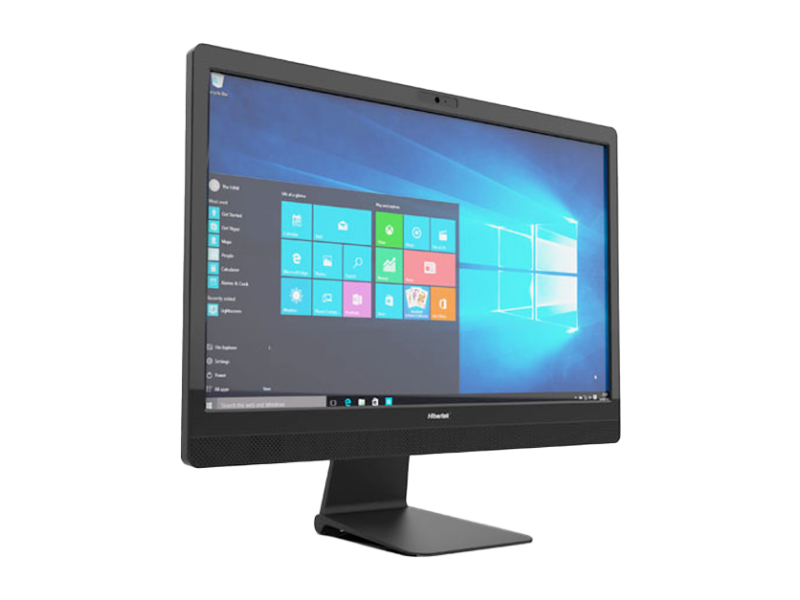
- camera privacy, such as a camera curtain and anti-spy LED, or the E24’s pop-up camera
- Kensington lock slot.
8. Video calling
A Full HD camera with dual microphones and decent speakers saves buying webcams and headsets for every desk.
9. Mounting and stands
Check for VESA mounting for walls and arms, plus stand options. Height-adjustable stands make a real difference to comfort at reception and shared desks.
10. Who prepares and supports it?
Buying 30 PCs online is easy. Imaging, testing, labelling and delivering them to 6 sites is not. A specialist distributor can:
- image every unit with your Windows or Linux build
- test, configure and asset-tag before dispatch
- kit and deliver by site
- handle warranty repairs in the UK.
Our quick recommendations
| Use | Our pick |
|---|---|
| Reception or privacy-sensitive desk | Hibertek E24 with pop-up camera |
| Schools, training rooms, back offices | Hibertek BF24 |
| Compact counter or admin desk | Hibertek T22 |
| Wall-mounted booking or info point | Hibertek T20 |
| Shop counter, bar or kitchen | Sealed HiStone HK568 EPOS terminal |
Talk to us
B-Spoke Systems has supplied business hardware since 2003, with ISO 9001 certified processes and UK stock in Leicester. Call 0116 260 3100 or email sales@b-spokesystems.com, and we’ll help you choose the right touch screen PC for every desk.