
Every reseller we speak to says the same thing about distributors. The hardware’s usually fine. What wears you down is chasing: chasing a price, chasing a driver, chasing an RMA number someone promised to email last Tuesday.
The B-Spoke Partner Area is our answer to that. It’s a private EPOS partner portal for approved resellers, and it puts the things you’d normally have to ask us for behind one login. Here’s a look around, using a sample reseller account we’ve set up called North POS.
The dashboard
When you log in you land on the dashboard. Across the top you can see how many downloads are waiting, any open support requests and how many orders you’ve placed. Click any of them to jump straight in.
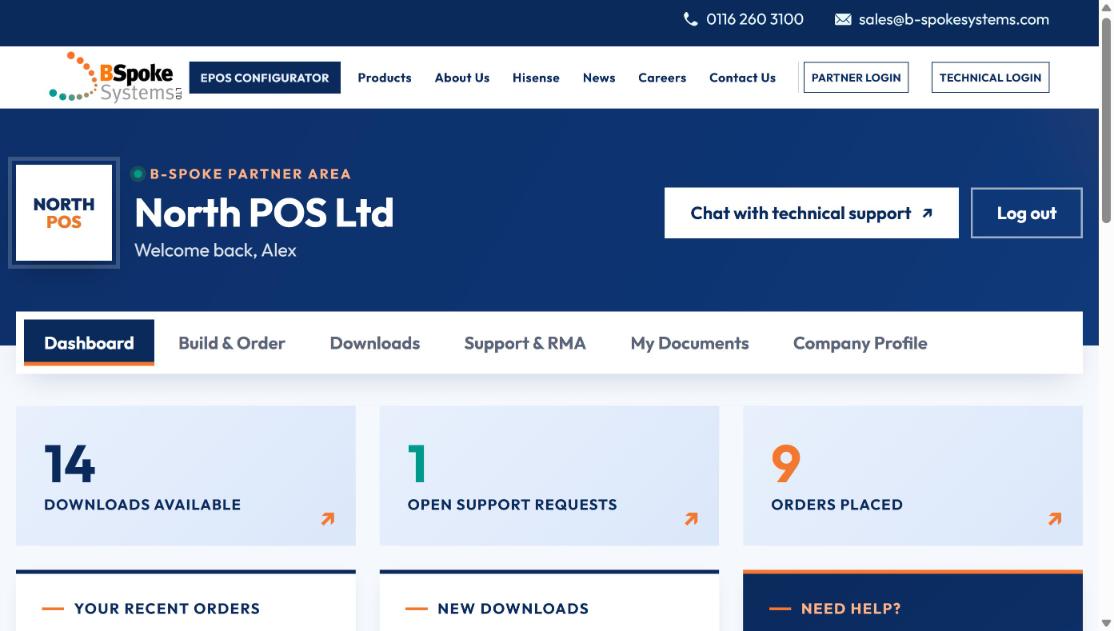
Your company logo sits in the corner. Upload it once in your company profile and it’s there every time you log in.
Recent orders and new downloads
Scroll down and you’ll see your latest orders with their status: in build, dispatched or delivered. Next to them is a list of anything new in the downloads library.
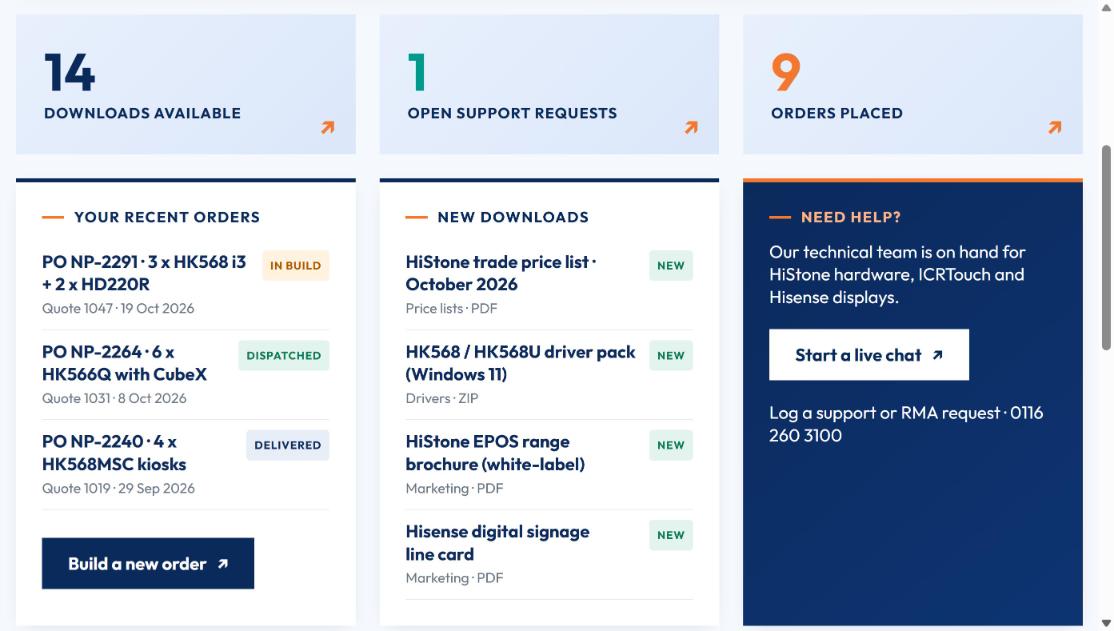
That “in build” status matters more than it sounds. If we’re gold-imaging forty terminals for your rollout, you can see where it’s up to without ringing us.
Build & Order
The Build & Order tab runs the same configurator as our EPOS quote builder, but it places an order rather than asking for a quote. Choose the HiStone terminal, pick the spec and peripherals, add your PO number and delivery address, and send it. Your account details are added automatically.
Downloads
This is the library you’ll use most. It holds:
- Trade price lists
- Drivers and firmware for every HiStone model
- Manuals and quick-start guides
- Marketing assets such as brochures and product images
No more digging through old emails for a driver pack. If it’s new, it shows up on your dashboard too.
Support & RMA
Something not working on site? Log it here. Choose technical support or RMA, add the model, serial number and priority, describe the fault and attach a photo if it helps. You’ll see every request you’ve logged and where it’s up to.
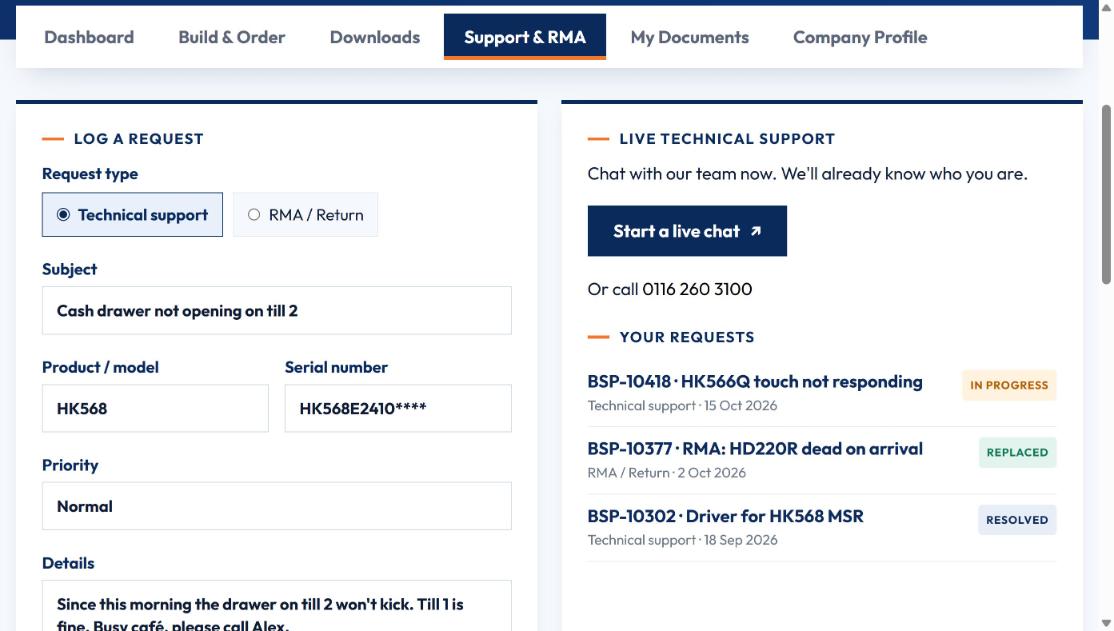
If it’s urgent you can start a live chat from the same page. We already know who you are, so you won’t need to explain your account details again.
My Documents and Company Profile
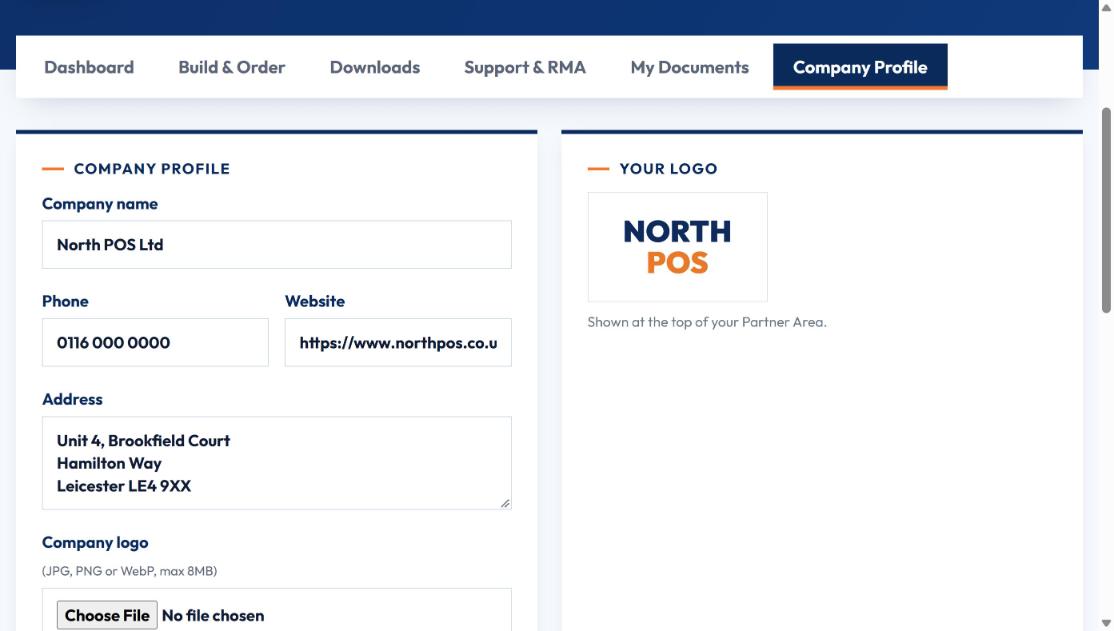
My Documents is where documents for your account live. Company Profile holds your address, phone number, website and logo. Keep them up to date so we always have the right details for you.
How to get access
The Partner Area is for approved trade partners: EPOS resellers, software houses, IT companies and installers.
- Register for a partner account. It takes about ten minutes.
- We check your details and confirm your account.
- Log in through Partner Login and you’re in.
Already a partner and your engineers need access to fault logging and warranty checks? They’ll want the Technical Portal, which we’ll cover in the next post.