
It’s the first question almost every customer asks: what’s the real EPOS system cost in the UK? The honest answer is “it depends”, but that’s not much use when you’re building a budget. So we’ve broken it down the way we price projects for our own resellers, line by line.
“How much does an EPOS system cost?” is one of the first questions every business owner asks, and one of the hardest to answer with a single number. The cost of an EPOS system in the UK depends on what you’re buying, how many tills you need and how long you expect them to last. This guide breaks the budget down into its parts so you can compare quotes properly and avoid surprises.
The five parts of your EPOS system cost UK budget
Every EPOS system is made up of the same building blocks. Understanding each one is the key to understanding the total cost.
- EPOS terminals: the touchscreen tills your staff use at the counter.
- Peripherals: receipt printers, kitchen printers, cash drawers, scanners, scales and customer displays.
- Software: the EPOS application itself, usually a one-off licence or a monthly subscription.
- Installation and configuration: setting up menus, products, users and networks.
- Support and warranty: who you call when something goes wrong, and how fast it gets fixed.
EPOS terminal costs
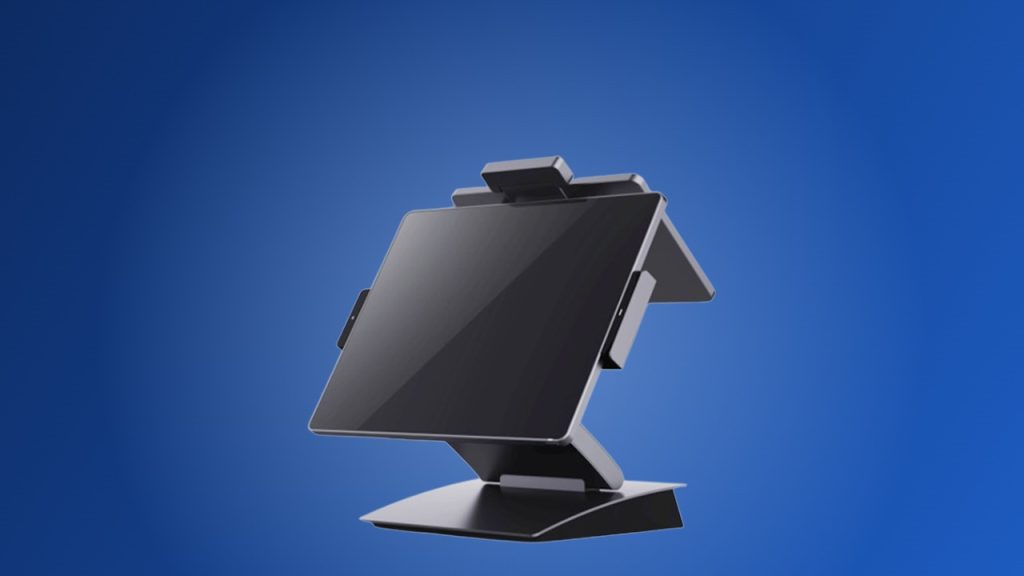
The terminal is usually the largest single hardware cost. Prices vary with screen size, processor, operating system and build quality.
Android or Windows/Linux
Android terminals are often the most cost-effective starting point for a single site. Windows/Linux terminals typically cost more, but run the widest range of EPOS software and have more processing headroom for future updates. Our guide to Android vs Windows/Linux EPOS explains the difference in detail.
All-in-one, box or mobile
An all-in-one EPOS terminal combines screen and computer in one sealed unit, which keeps counters tidy and reduces failure points. A box POS system, such as the HiStone HK600, separates the computer from the screen and suits installations where the screen needs to be mounted. Mobile EPOS adds table-side ordering and queue busting.
Single or dual screen
A second, customer-facing display adds cost but improves transparency at the till and can show promotions. Many HiStone terminals offer a dual-screen option, such as the HK566Q.
Peripheral costs
Peripherals are easy to underestimate. A typical hospitality till might need a receipt printer, a kitchen printer or kitchen display, and a cash drawer. A retail till usually adds a barcode scanner, and food-to-go or deli counters may need an EPOS scale. Budget for each till individually rather than assuming one set of peripherals per site.
Software costs
EPOS software is sold either as a one-off licence with optional support, or as a monthly subscription that includes updates and cloud reporting. Subscription pricing lowers the upfront cost but adds up over the life of the system, so compare the total over three to five years.
Installation, training and support
A professional installation includes configuring products, prices, users and printers, networking the tills and training staff. Ongoing support and an on-site or advance-replacement warranty protect your trading hours. When comparing quotes, check exactly what support is included and how quickly a faulty terminal will be replaced.
Hidden costs to watch for
- Short-life hardware that needs replacing after two or three years.
- Peripherals that aren’t supported by your chosen software.
- Extra fees for configuration, delivery or reinstalling software after a repair.
- Downtime when a cheap terminal fails on a busy Saturday.
How to get the best value from your EPOS budget
Buy for the whole lifespan
A well-built terminal that lasts five years or more is usually cheaper per year than a budget unit replaced after two. HiStone terminals are designed for continuous commercial use, with sealed housings that resist dust and spills.
Buy through an established reseller
Specialist EPOS resellers bundle hardware, software, installation and support into one package, and buy their hardware through distributors like B-Spoke Systems. That means stock availability, pre-configuration and a clear support route.
Standardise your estate
Using the same terminal model across all tills and sites simplifies spares, training and support, and reduces cost over time.
Frequently asked questions
Is it cheaper to buy or lease an EPOS system?
Buying outright usually costs less over the life of the system. Leasing spreads the cost and can include upgrades. Your reseller can explain the finance options available.
Can I reuse my existing printers and cash drawers?
Often, yes, provided they’re compatible with your new software and terminal. Check each device before you buy.
Where can I buy HiStone EPOS hardware?
HiStone hardware is supplied in the UK and Ireland through B-Spoke Systems and our network of EPOS resellers. Request a quote and we’ll put you in touch with the right partner, or call 0116 260 3100.